Preview your site while you edit. Live previews render pages exactly as they look when published, and update as you make changes to content, navigation, and configuration.

Open live preview

Click the live preview button in the toolbar to open a live preview in a new tab.
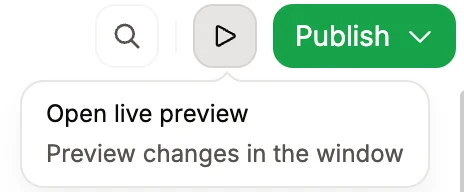
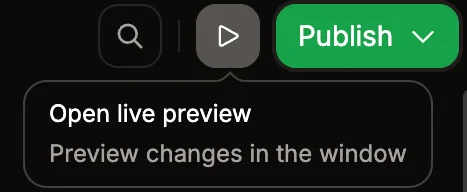
The live preview button in the toolbar.
Live preview is only available for public documentation.

Live preview versus preview deployments

Live previewPreview deployment
SpeedInstantRequires a build
AccessLocal URLShareable URL
Use whenReviewing changes while editingSharing with your team for review
AvailabilityWhile the editor is openAs long as the branch exists
Use live preview for immediate feedback while editing. When you need to share changes with your team or test on a different device, use a preview deployment.